

SHOPIFY INTEGRATION
Integrate CodeREADr with Shopify Using Make
This guide walks through two potential ways to connect CodeREADr to Shopify with Make: one that adds every new Shopify order to a CodeREADr database, and one that tags the order “Picked Up” the moment it is scanned. These are only two suggestions. Make’s Shopify and CodeREADr modules support a wide range of other workflows, from inventory counts and returns to fulfillment checks and customer check-ins, so treat these as starting points to adapt to your own process.


What is CodeREADr?
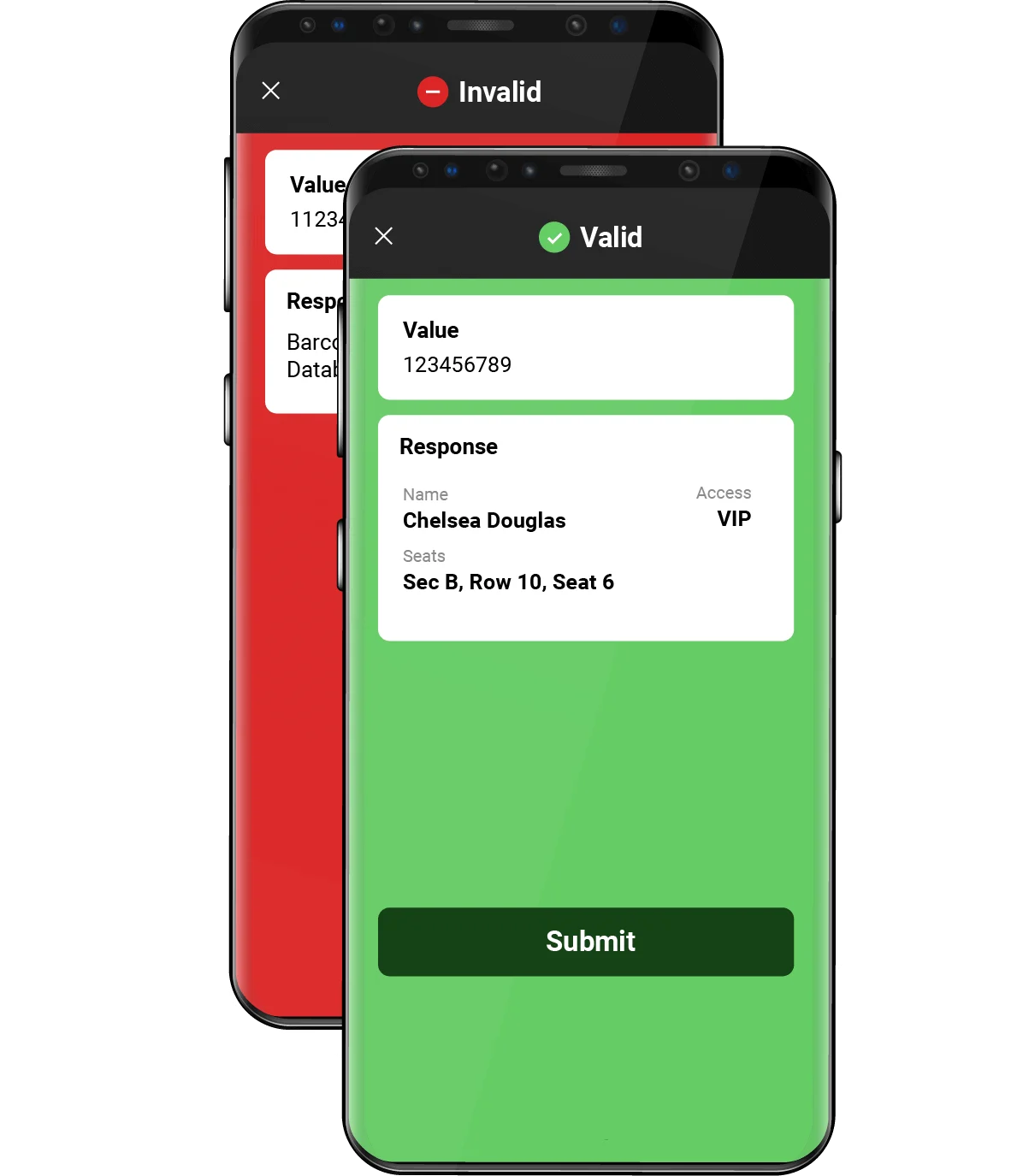
CodeREADr is a barcode scanning and data capture platform that turns iOS and Android devices into enterprise-grade scanners. Teams use it to validate tickets at events, verify customer pickups, track assets and inventory, and record deliveries. Every scan can be checked against a database, enriched with questions or photos, and sent to other systems in real time.
Many Shopify stores sell things someone has to hand over in person: event tickets, buy-online-pickup-in-store (BOPIS) orders, rentals, or class registrations. Connecting CodeREADr to Shopify lets staff scan a barcode at the door or the counter and have Shopify update itself, with no manual lookups.
What is Make?
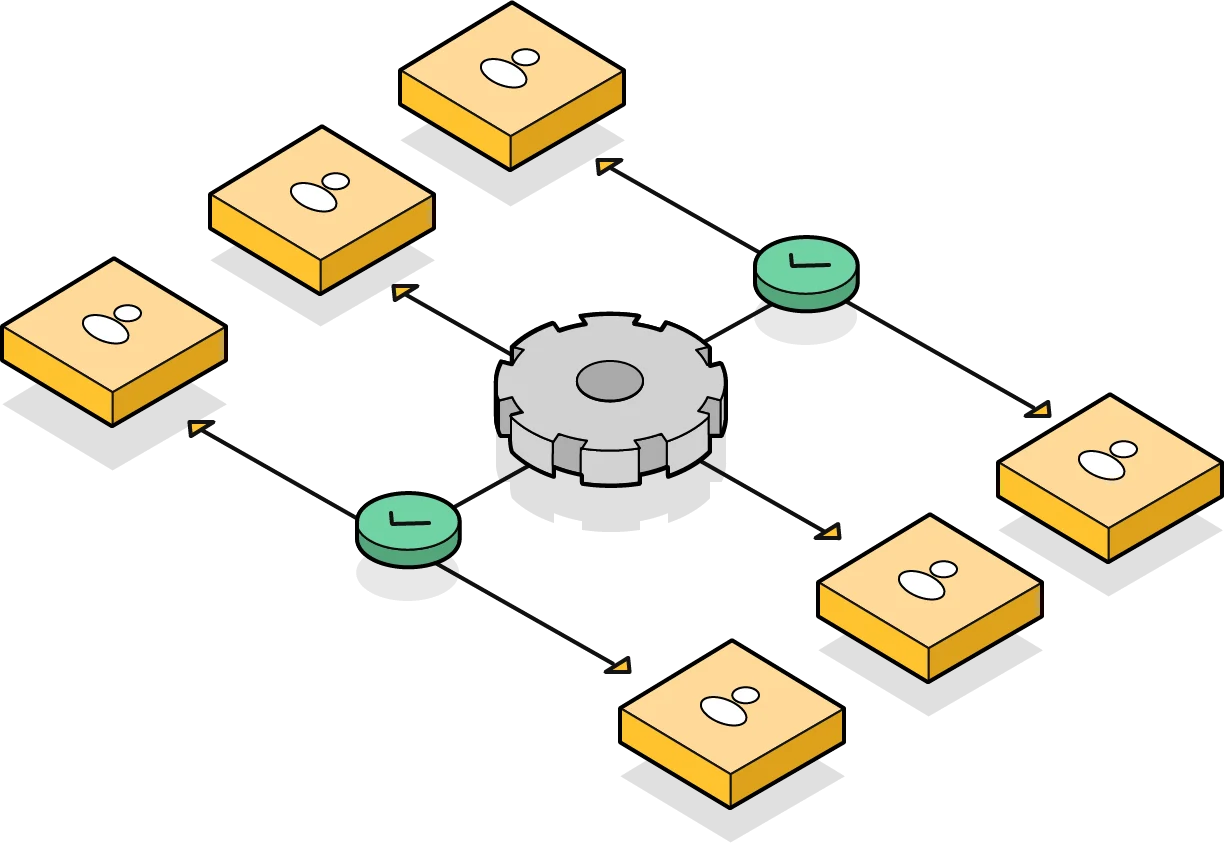
Make (formerly Integromat) is a no-code automation platform that links apps through visual workflows called scenarios. It has ready-made modules for both Shopify and CodeREADr, so you can build this integration without writing code.
Setup guide
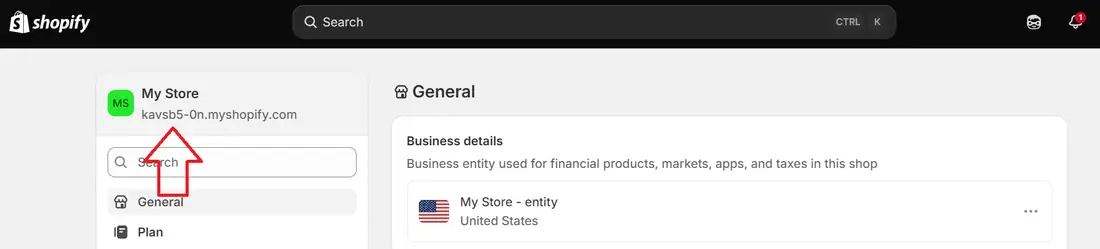
Before you start
Have these ready before you open Make:

Choose your workflow
Use either workflow on its own, or run both together.
Workflow 1
New Shopify order → add a barcode to a CodeREADr database
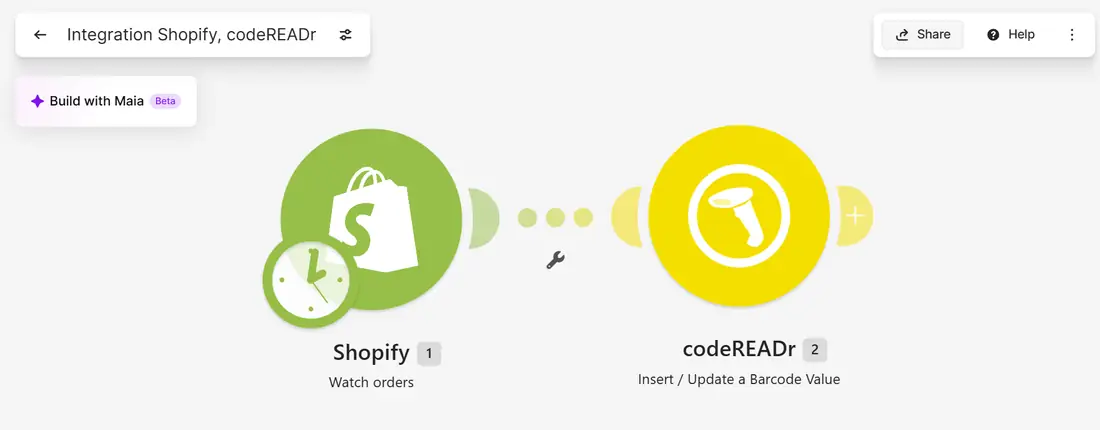
This scenario watches Shopify for new orders and adds each one to a CodeREADr database as a valid barcode. When a customer arrives with a ticket or pickup code, a CodeREADr Validate service checks the scan against that database and shows staff a valid or invalid result instantly.
Trigger: Shopify → Watch orders · Action: codeREADr → Insert / Update a Barcode Value · Runs: on a schedule
Workflow 2
CodeREADr scan → tag the Shopify order “Picked Up”
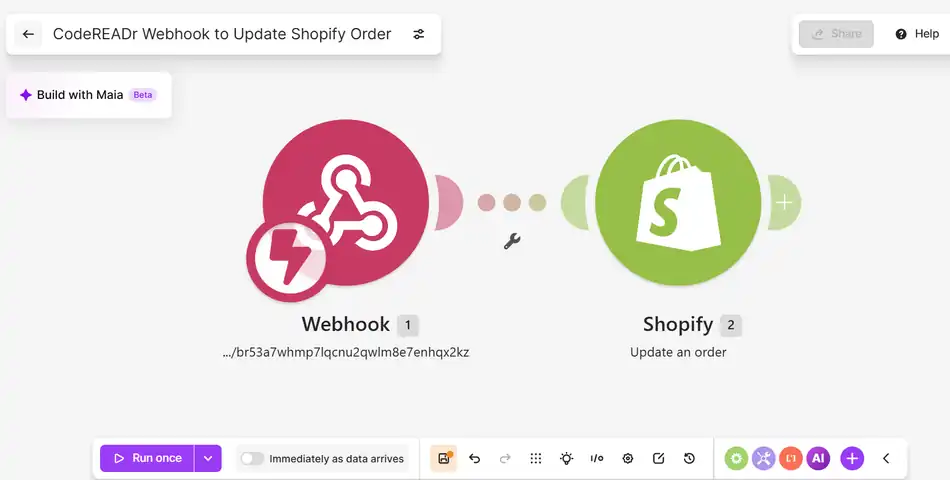
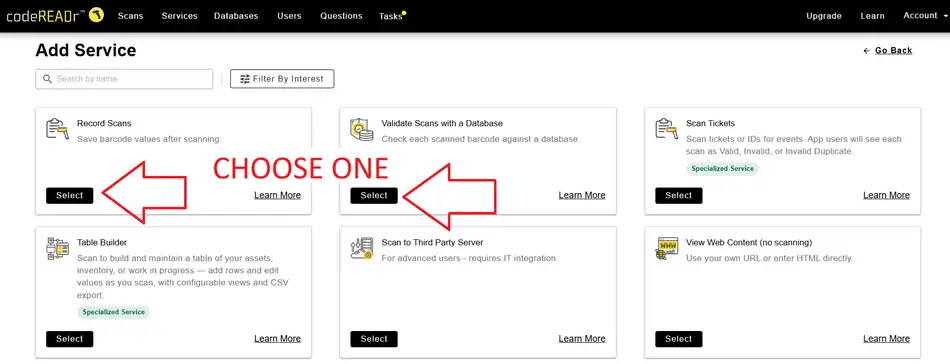
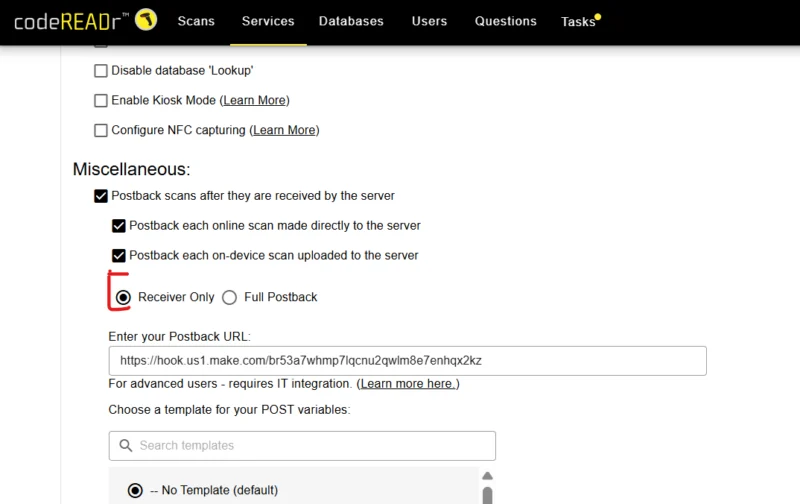
This scenario runs the moment a barcode is scanned. A CodeREADr service posts each scan to a Make webhook using its built-in Postback option, and Make adds a “Picked Up” tag to the matching Shopify order. Your team can then filter orders by that tag in Shopify admin.
Trigger: Webhooks → Custom webhook · Action: Shopify → Update an order · Runs: instantly
Help
Troubleshooting
FAQ