MICROSOFT EXCEL INTEGRATION
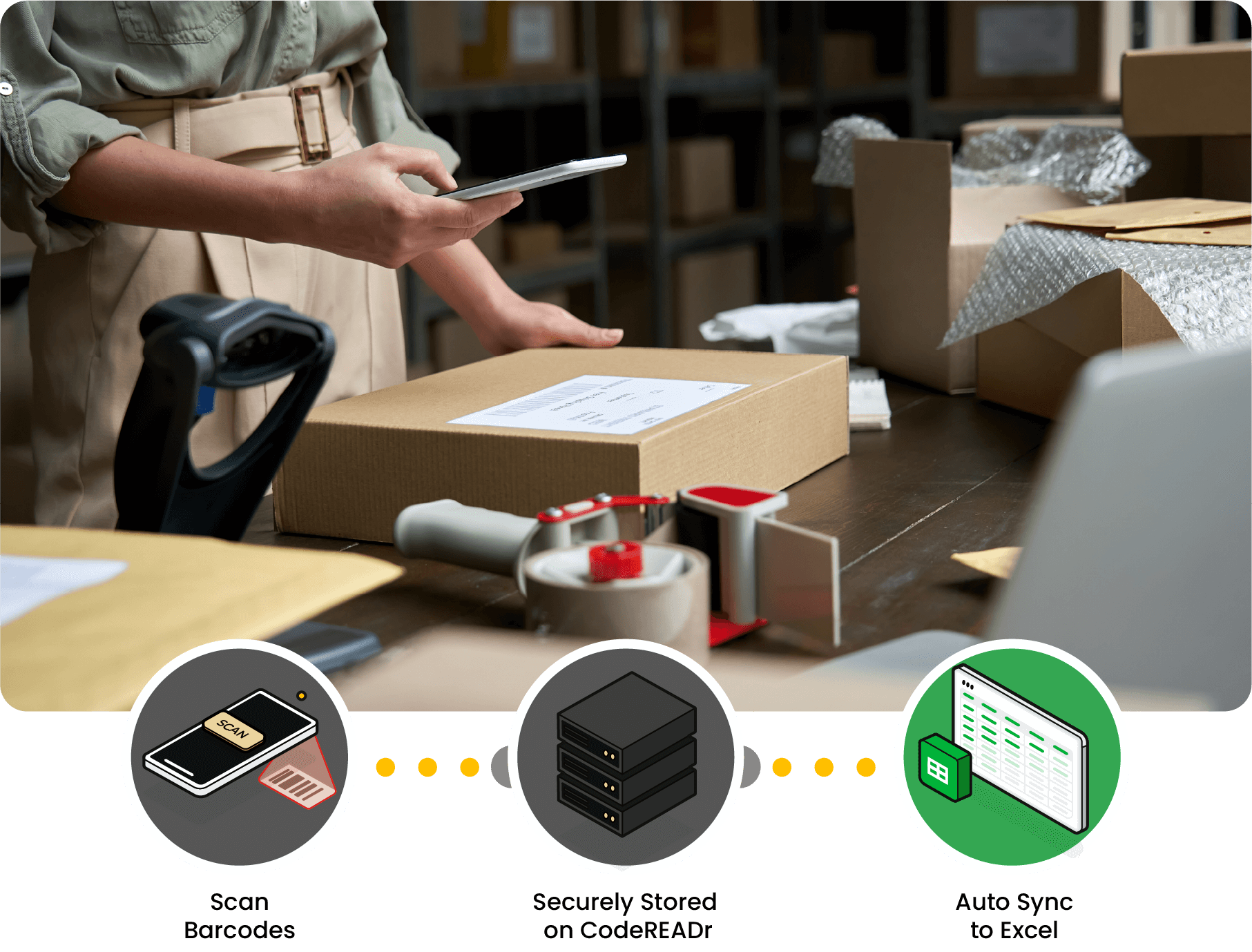
Automate the transfer of barcode data from the CodeREADr app to Microsoft Excel Spreadsheets.
Typing barcodes into Excel slows teams down and often results in mis-scans, overwrites, and formatting headaches. With CodeREADr, every scan is captured instantly and accurately—no cell checking, no mistakes. Its clean, full-screen interface is purpose-built for high-speed, high-volume data collection.


Automated Syncing — Eliminate Manual File Management
Exporting CSVs means endless downloading, merging, and fixing formatting issues. Scanning straight into spreadsheets can be even worse, creating accidental edits and breaking formulas.
With CodeREADr, every scan is securely captured and automatically delivered to your Excel files through CSV Web Links. Your data updates in real time and always matches your column structure—so everything stays clean, consistent, and analysis-ready.
Secure & Controlled
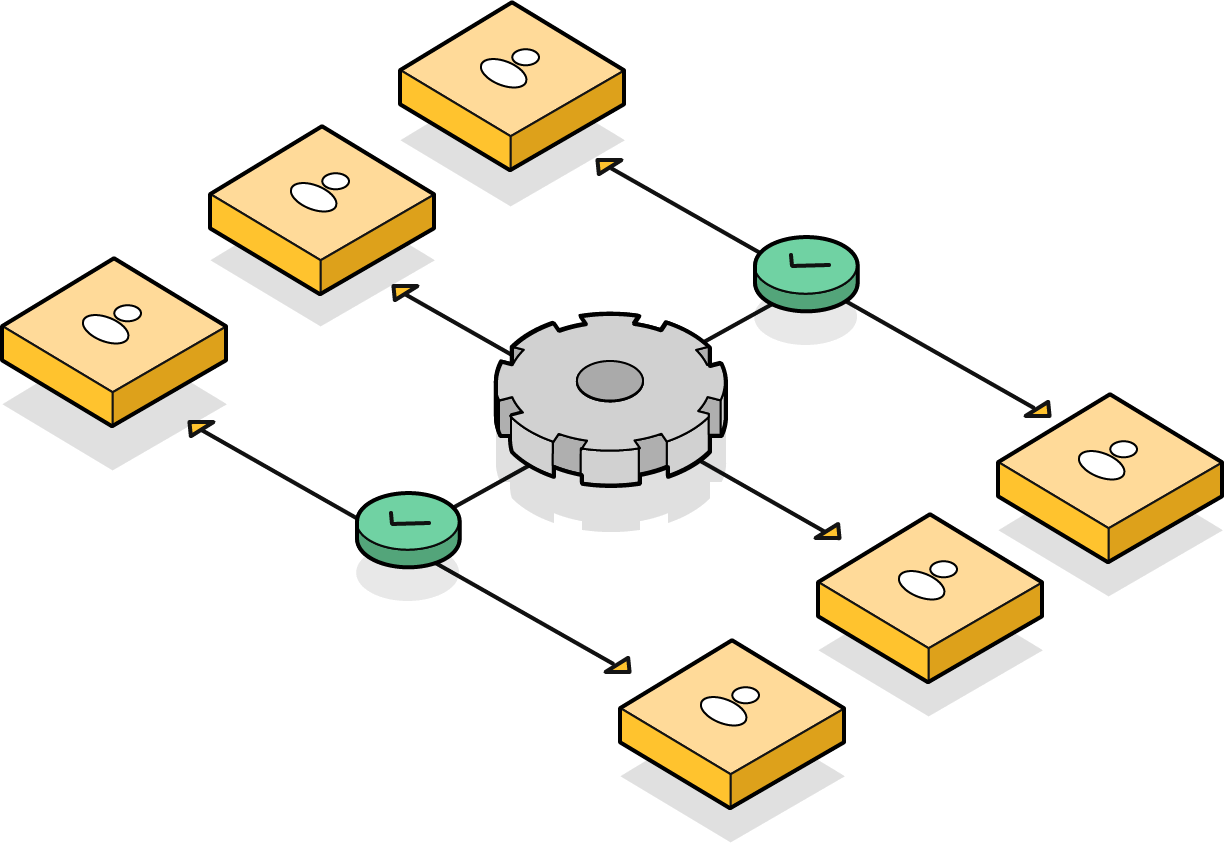
Assign app usernames to control precisely who can scan and create records. Every scan is tied to a verified user for full accountability and audit-ability.
Simple for Anyone to Use
A clean, intuitive interface ensures workers can scan without training, and they certainly don’t need to understand spreadsheets—they simply scan. The result is fewer mistakes and faster, more accurate data capture, even with temporary or seasonal teams.